
Effects
LEGEND APPSPreview
Spotlight and callouts
Measured attention overlays follow targets through stage scaling.
Spotlight moves between targets in discrete jumps.
All effects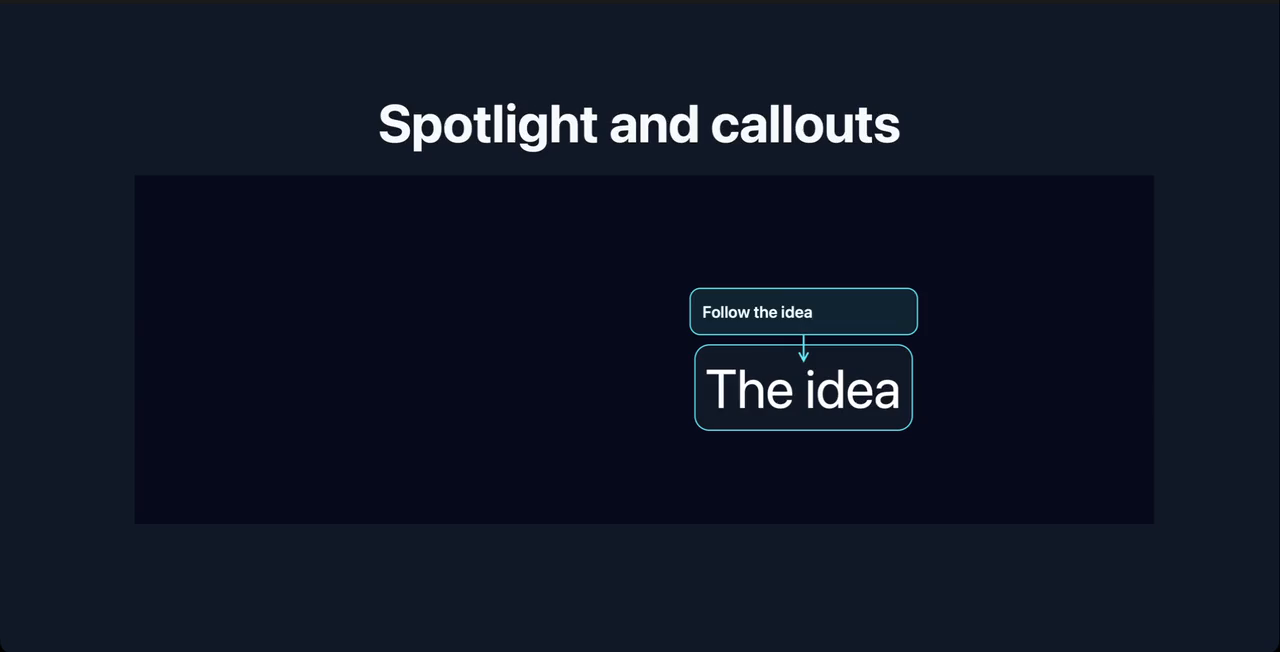
Captured in Legend Slides for macOS (release build).
Requires a Legend Slides build with effect installation support. Installs the presenting pack (1.0.5, 22 KB source) and its dependencies. macOS host capabilities: reanimated, skia. Installed decks work offline.
Use it in a deck
spotlight.mdx
---
title: Spotlight and callouts
---

import { View, Text } from "react-native";
import { AttentionStage, AttentionTarget, Spotlight, Callout } from "slides:presenting/Attention";
import { useMotion } from "slides:presenting/Motion";

export function MovingIdea({ step }) {
  const position = useMotion(step === 1 ? [950, 300] : [150, 160], 1200);
  return <AttentionTarget id="idea" style={{ position: "absolute" }} frameStyle={() => { "worklet"; return { transform: [{ translateX: position.value[0] }, { translateY: position.value[1] }] }; }}><Text style={{ color: "white", fontSize: 90 }}>The idea</Text></AttentionTarget>;
}

# Spotlight and callouts

<View style={{ width: 1696, height: 650 }}>
<Steps count={3}>{step => <AttentionStage style={{ width: 1696, height: 580 }}><MovingIdea step={step} /><Spotlight target="idea" /><Callout target="idea">Follow the idea</Callout></AttentionStage>}</Steps>
</View>
Configure
- target
- Use an AttentionTarget ID.
- padding / darkness
- Control the spotlight cutout and dimming.
Only imported effects enter the compiled deck. Installation and versioning →
More in the presenting pack
Progressive detail
presentingReveal and compare caller-supplied content while keeping its state mounted.
Comparison wipe
presentingReveal and compare caller-supplied content while keeping its state mounted.
Content swap
presentingReveal and compare caller-supplied content while keeping its state mounted.